
From endless scrolling to an intentional break.
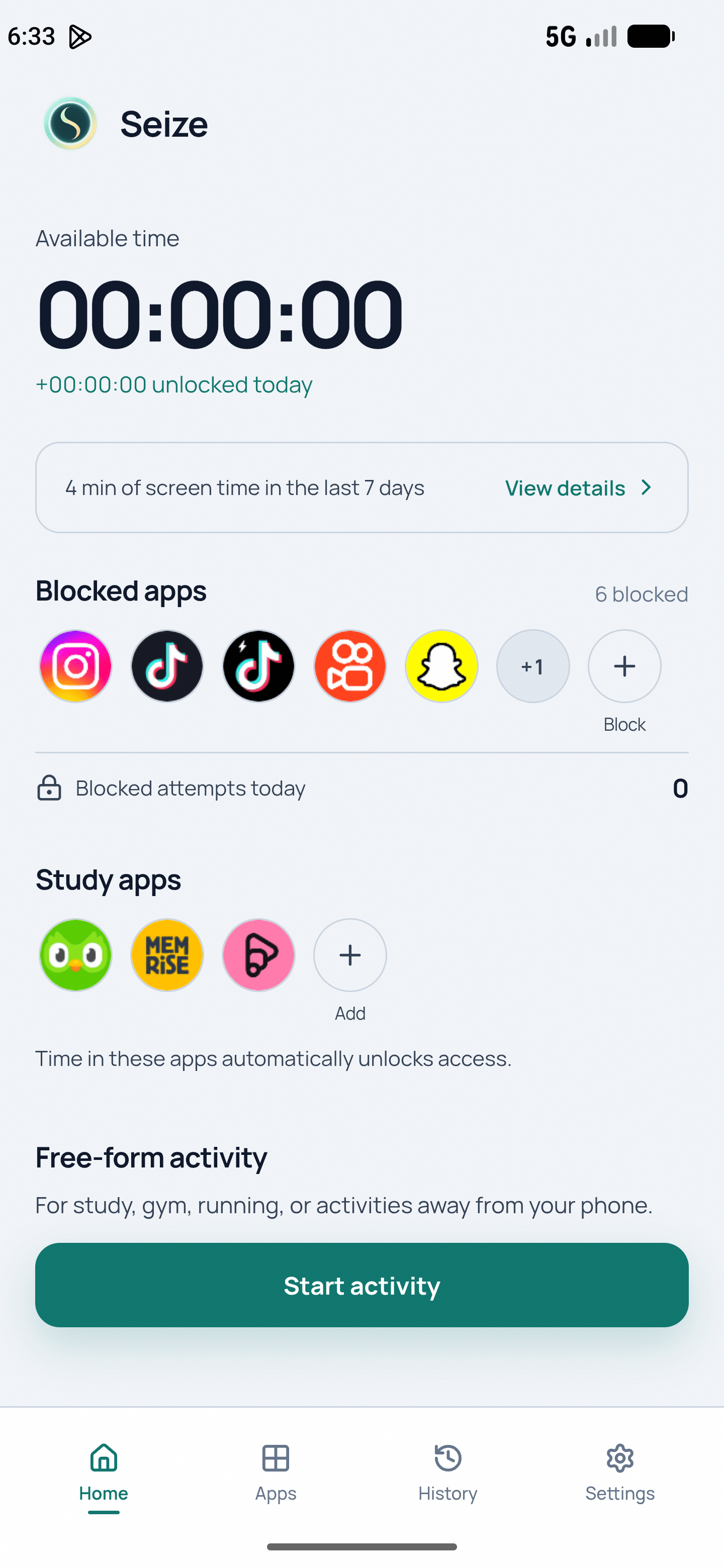
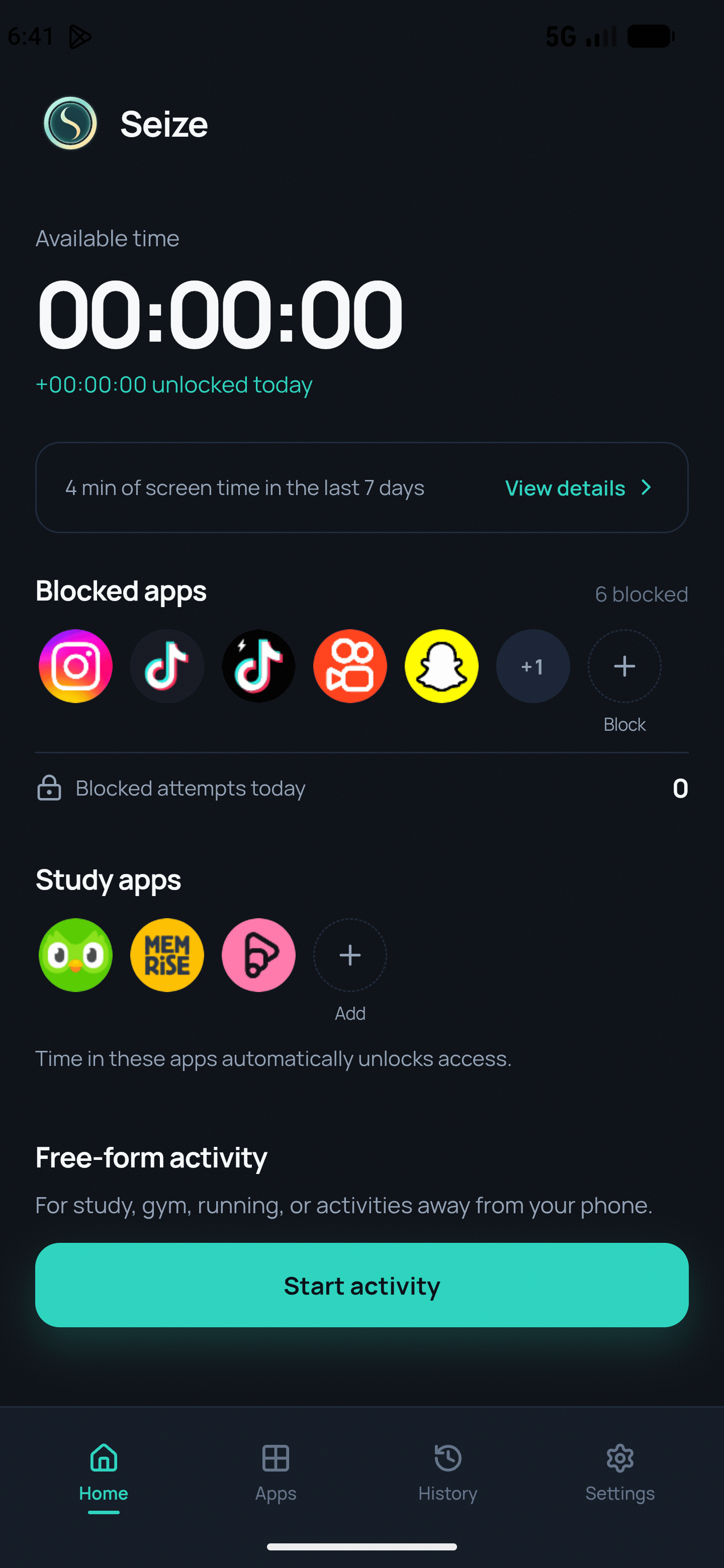
Turn endless scrolling into a break with a beginning and an end. Choose your apps, unlock time through activities, and track your balance on your device.
No account required · data stays on your device · works offline
How it works
Your activities unlock break time for today. Your balance resets at midnight; your history stays on your device.
- 01
Choose
Pick the apps you want to use more intentionally and the activities that count as focus.
- 02
Do an activity
Study, read, exercise, or use a study app to unlock break time today.
- 03
Enjoy your break
See your balance before opening an app. When it runs out, access pauses until another activity.
How much break time can you unlock?
Adjust your focus time and ratio to see how much app time is available that day.
- 40 min
- of access per day
Common questions
Does Seize work without internet?
Yes. Your balance, rules, and history work locally on your device.
Why does the app need Accessibility permission?
It identifies when selected apps open and applies the access rules you set.
What happens when my balance runs out?
Selected apps pause until you unlock more time through an activity that same day.
Is Seize free?
Yes. The app is free with discreet ads; a one-time optional purchase removes them without changing features.